Independent editorial buying guidance. Commercial links, when used, are identified. Read our affiliate disclosure.
Start with the situation, not the specification
A tablet can be a comfortable sofa reader, a drawing surface, or a travel companion for email. Replacing a laptop is a more demanding goal. Write down the tasks you expect to do away from your desk, including the awkward ones: printing a form, joining a call while taking notes, or editing a file sent in an unfamiliar format.
The details worth checking
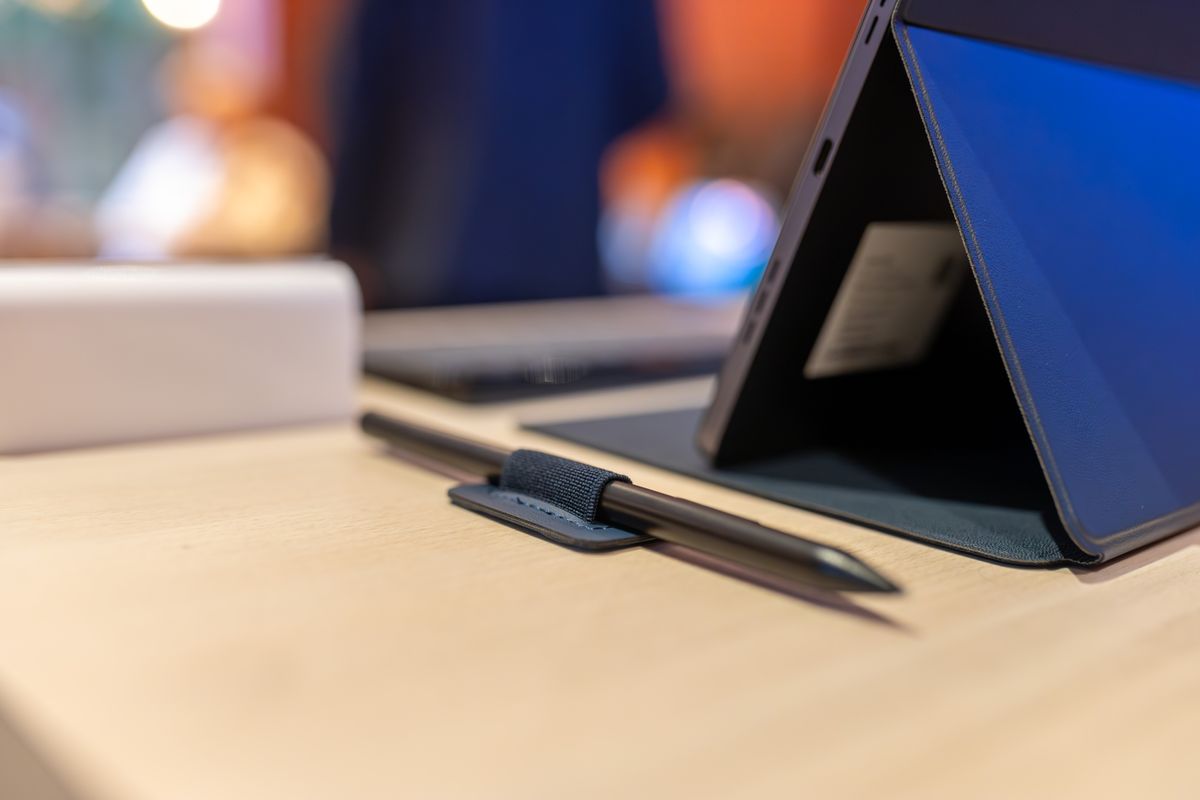
Check the actual apps you need, not merely whether a similarly named mobile version exists. Keyboard shortcuts, file handling, browser features, and external-device support can differ. For drawing, verify the compatible stylus and whether it is included. For family use, examine profiles and content controls before assuming one device can comfortably serve everyone.
The tradeoff that changes the choice
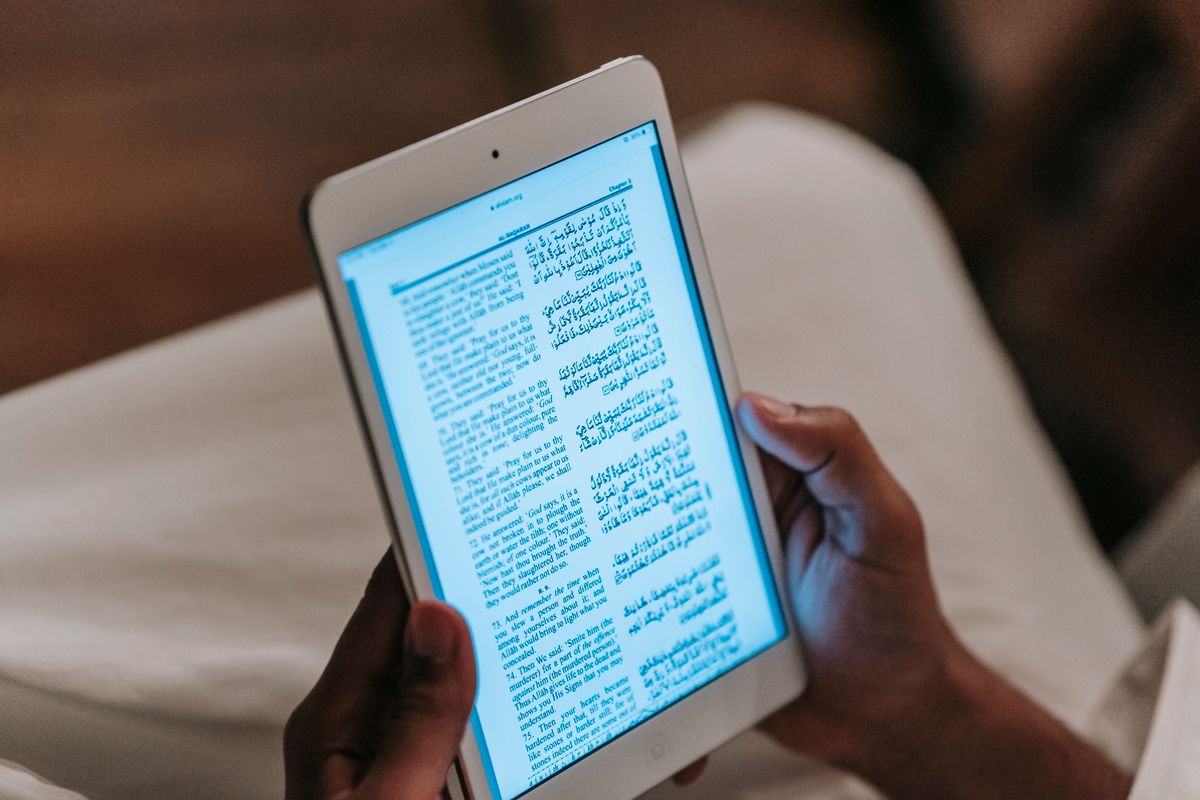
A large screen gives tools more room but becomes heavier with a keyboard case. A small tablet is easier to hold for reading while making split-screen work less comfortable. Cellular connectivity adds freedom if the model and plan support your region, but a phone hotspot may be enough for occasional use. Compare the complete carry setup.
Set it up for ordinary ownership
Try the hardest intended task during the return period. Import a real document, export it again, and check the result on your main computer. Set backups and account recovery before accumulating notes. Protect the screen with a suitable case and use approved charging accessories. Confirm how repairs and battery service are handled in your location.
Where to save your money
A keyboard, stylus, case, and storage upgrade can change the value calculation substantially. Do not compare the bare tablet price with a complete laptop. If the device mostly streams video and reads books, buy for comfortable handling and sufficient storage. If it must replace work equipment, prove the software workflow before paying for accessories.
Prove the laptop-replacement claim with one difficult task
Pick a real task that regularly causes friction: filling a work form, editing a shared spreadsheet, or joining a call while finding a downloaded attachment. Walk through every step on the proposed tablet platform, including export and delivery to another person. Check the required keyboard and pointer accessories rather than mentally adding desktop behavior. A successful demonstration using a simple app is not enough if the important task depends on browser functions or file formats that behave differently.
How much storage should I pay for?
List what must stay available offline: downloaded films, large drawing files, documents, and any photos you keep locally. Check how the system and your essential apps use storage, then allow reasonable headroom. A streaming-and-reading device has different needs from a drawing archive. Cloud storage can help some workflows but introduces availability, connection, and recurring-cost considerations. Do not buy a larger tier without knowing what it is intended to hold.
| Option | Fits this routine | Main tradeoff or check |
|---|---|---|
| Compact tablet | Reading and light travel tasks | Smaller work area |
| Tablet with keyboard | Writing and supported mobile workflows | Count accessory weight and cost |
| Laptop | Desktop applications and complex files | Different carrying and battery routine |
Before you buy
- Required app functions
- Stylus and keyboard support
- Total carried weight
- File export and backups
The considered choice
Choose the option that addresses required app functions and stylus and keyboard support first. Keep the setup simple enough to maintain, and verify the exact product before buying.